

Coming soon · Free
DWG Viewer
Drawings, without the CAD licence.
A free viewer made only for .dwg drawings is on its way. Leave your email and be the first in.
We’ll email you the day it opens.
Need it today? Upload your DWG to SpatialSense as a floor plan, free for 30 days.
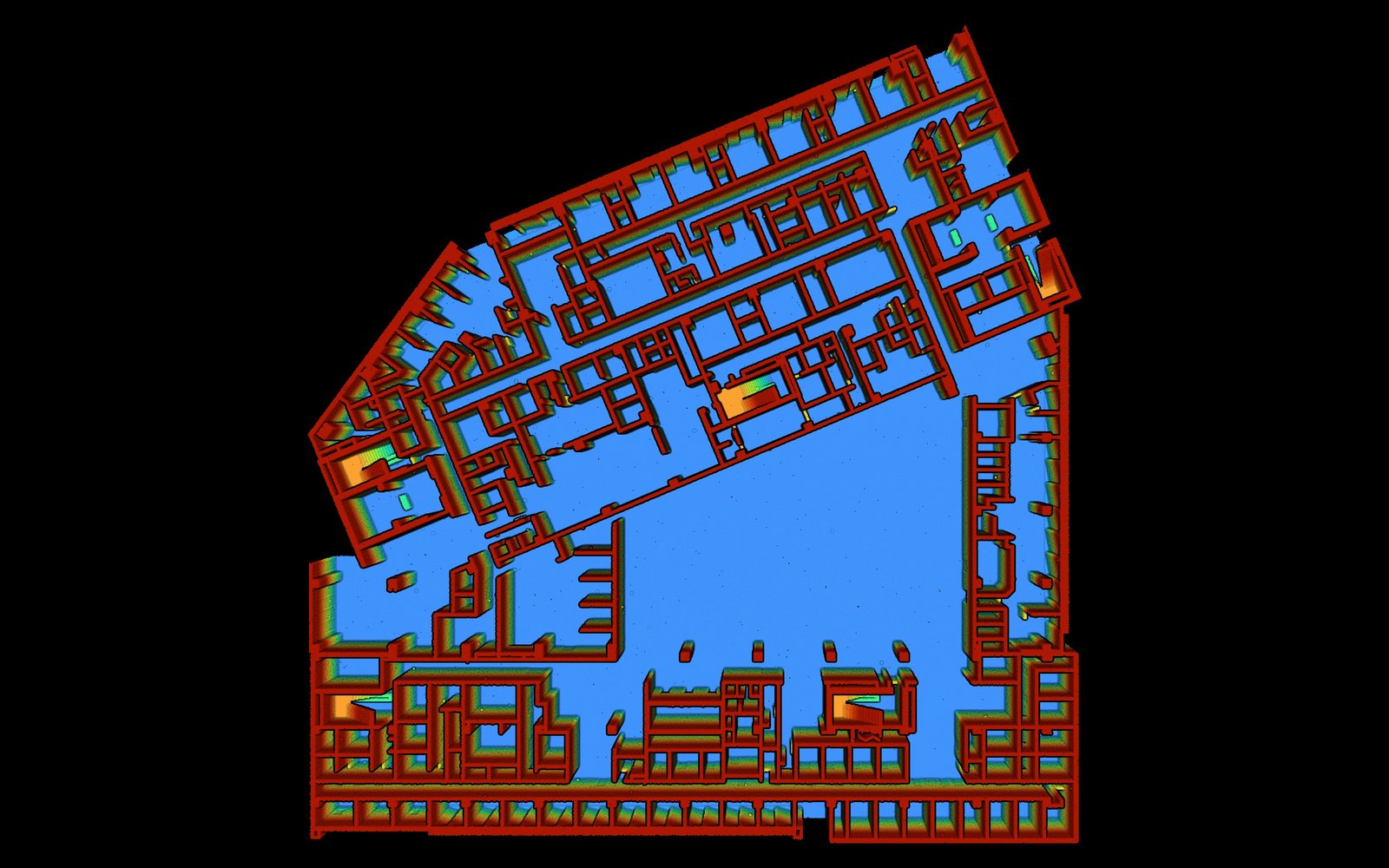
A floor plan drawn line by line. An illustration made from a test building’s IFC model, not a DWG file. IFC model by TU Wien, Research Unit Digital Building Process (CC BY 4.0).
- Free.Like the Lite Viewer.
- Just .dwg.Made for drawings, so you don’t need CAD just to look.
- Open today.Until it lands, DWG plans open in SpatialSense, free for 30 days.
What is a DWG file?
DWG is the most widely used file format for CAD drawings, the 2D plans and 3D models that architects and engineers produce. It’s a native design format rather than an open exchange format, which is why a DWG usually needs CAD software to open and why so many people on a project can’t look at the one they’ve been sent.
- Where you’ll meet a DWG on a project
- Floor plans and layouts sent by the architect or the design team.
- Setting-out and site plans from the engineer or surveyor.
- As-built drawings handed over at the end of a job.
- Markups and revisions that come back after a review.
How can I open a DWG file online today?
Upload it to SpatialSense as a floor plan. It opens in your browser, next to your site data.
-
 Step 1
1. Start a free trial
30 days of the full platform, no card. Or book a demo and we set up your first site.
-
 Step 2
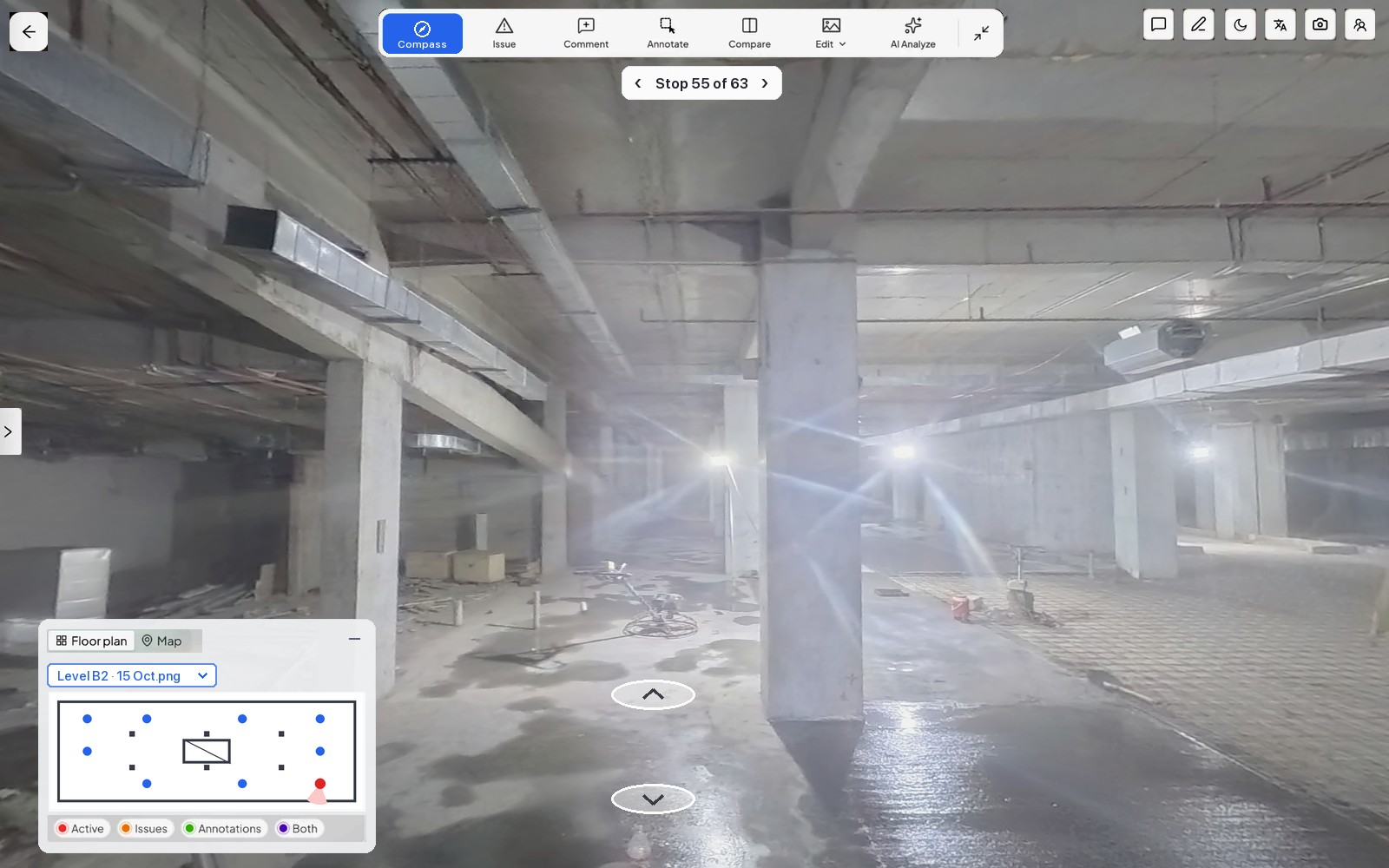
2. Upload the DWG as a floor plan
Floor plans upload as PDF, DWG or DXF. The plan becomes the map for the project.
-
 Step 3
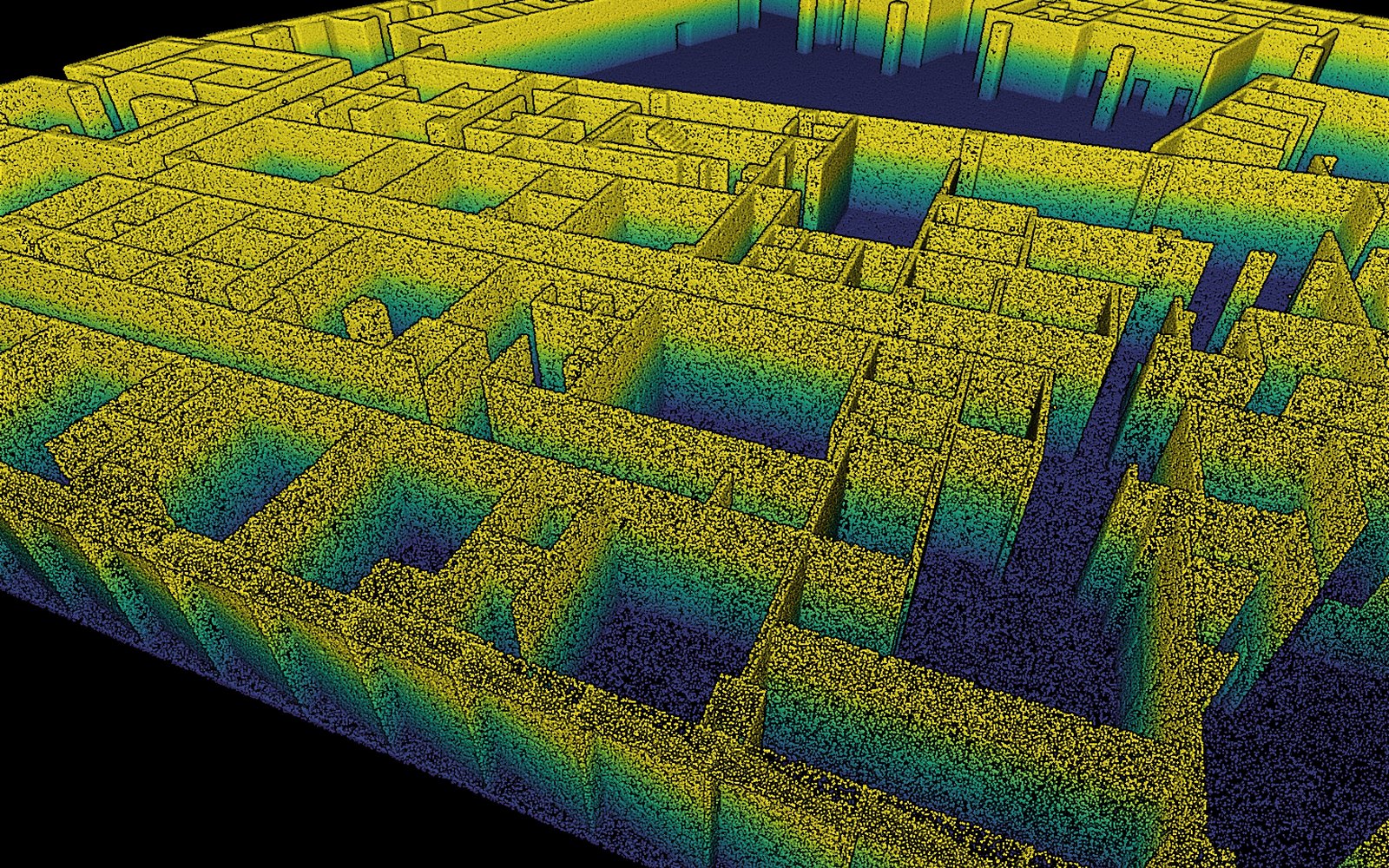
3. Pin your site data to it
Pin 360° walks and point clouds to the plan, so everyone can see where each one was taken.
Coming soon
A viewer made for DWG. And nothing else.
We’re giving each file type a free viewer of its own. The Lite Viewer is already live, and DWG is on the way.
- FreeLike the Lite Viewer.
- No CAD licenceRead the drawing without installing design software.
- First to knowEveryone on the list hears the day it opens.
We’ll email you the day it opens.
The all-in-one viewer
Lite Viewer
Scans, models and splats in one free viewer: LAS, LAZ, PLY, IFC, GLB and more. No account, nothing to install.
Open the Lite ViewerFor your team
See SpatialSense on your project.
Book a demo and we set it up on one of your sites, free for 30 days.
Book a demoWhy is a DWG hard to open without CAD software?
It’s a native design format
DWG files are written by CAD software for CAD software, so most computers have nothing that opens them.
A licence just to look
A CAD licence is a lot for someone who only needs to read a drawing and check a dimension.
Everyone else is left out
The site team, the client and the subcontractors mostly need to look, not edit.
A viewer that runs in the browser lets anyone open the drawing from a link, on any computer.
One free viewer for every file
The Lite Viewer opens most 3D files in one place. Each format is also getting a free viewer of its own.
-
Live now
Lite Viewer
.las .laz .ply .ifc .glb .splat .spz .ksplat
The all-in-one viewer for scans, models and splats. Free, with no account and nothing to install.
Open it free -
Coming soon
Splat Viewer
.ply .splat .spz .ksplat .sog .rad
A free viewer made only for Gaussian splats. In testing now.
Get notified -
Coming soon
E57 Viewer
.e57
A free viewer of its own for E57 laser scans.
Get notified -
Coming soon
PCD Viewer
.pcd
A free viewer for PCD point clouds from robots, SLAM and LiDAR rigs.
Get notified -
Coming soon
DWG Viewer
.dwg
A free viewer for DWG drawings and floor plans.
Get notified -
Coming soon
BIM Viewer
.ifc
A free viewer made for BIM models. IFC already opens free in the Lite Viewer.
Get notified
Format guides: Point clouds LAS LAZ PLY GLB Point clouds on a Mac
Questions
How can I open a DWG file online?
Today, upload it to SpatialSense as a floor plan and it opens in your browser, free for 30 days with no card. A free DWG Viewer of its own is coming soon; join the early access list on this page.
Is there a free DWG viewer?
A free DWG Viewer from SpatialSense is coming soon. Until then, the full platform opens DWG floor plans free for 30 days with no card.
When will the free DWG Viewer be ready?
It’s being built now. There’s no public date yet, so join the early access list and we’ll email you the day it opens.
Can I open a DWG file on a Mac?
Yes. SpatialSense runs in the browser, so a DWG floor plan opens on a Mac the same way as on a Windows PC, with nothing to install.
Can I open a DWG in the free Lite Viewer?
No. The Lite Viewer opens 3D files: LAS, LAZ and PLY point clouds, IFC models, GLB meshes and Gaussian splats. DWG opens in the full platform today, and in the free DWG Viewer when it opens.
Which floor plan formats does SpatialSense accept?
PDF, DWG and DXF. More on floor plans next to your site data.
Is my drawing private?
Yes. Projects are private by default and only people you invite can open them.
Need the plan open today?
Upload the drawing as a floor plan and pin your site walks to it. Free for 30 days, no card.