

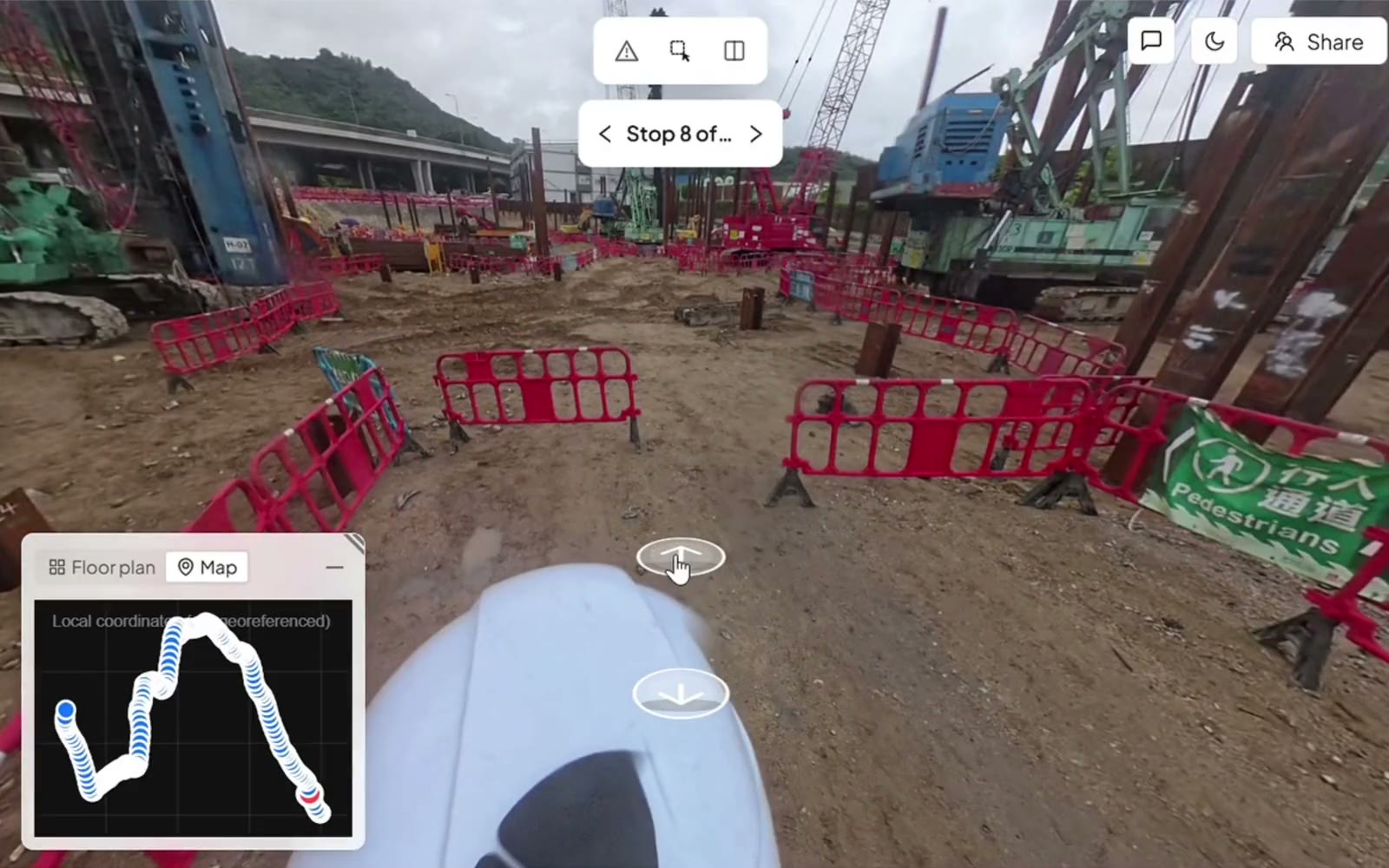
One walk, dated and on the plan
Your engineer walks the site with a helmet camera and the Trace app, and every capture is pinned to the floor plan.
Free template · Excel, Word and PDF
The daily report is the only record of who was on site, what arrived and what stopped work. Get a template short enough to finish before you leave site, free by email.
Free. You’ll get the daily and progress report templates in Excel, Word and PDF, and a real report SpatialSense wrote.
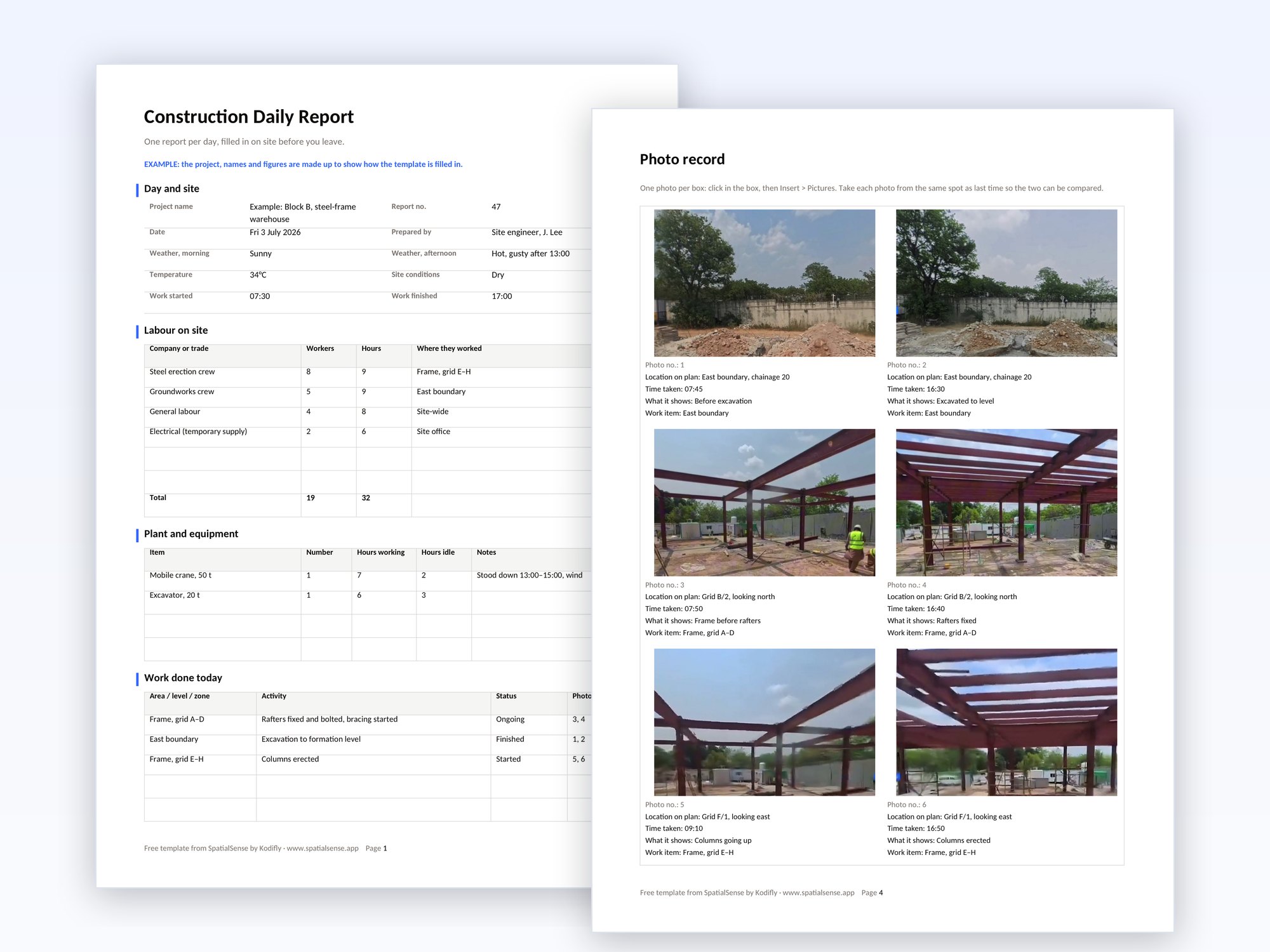
The daily report gets written from memory a day or two later when the form is long. This one fits the facts a delay argument will ask for, months from now, onto two pages and a page of photos.
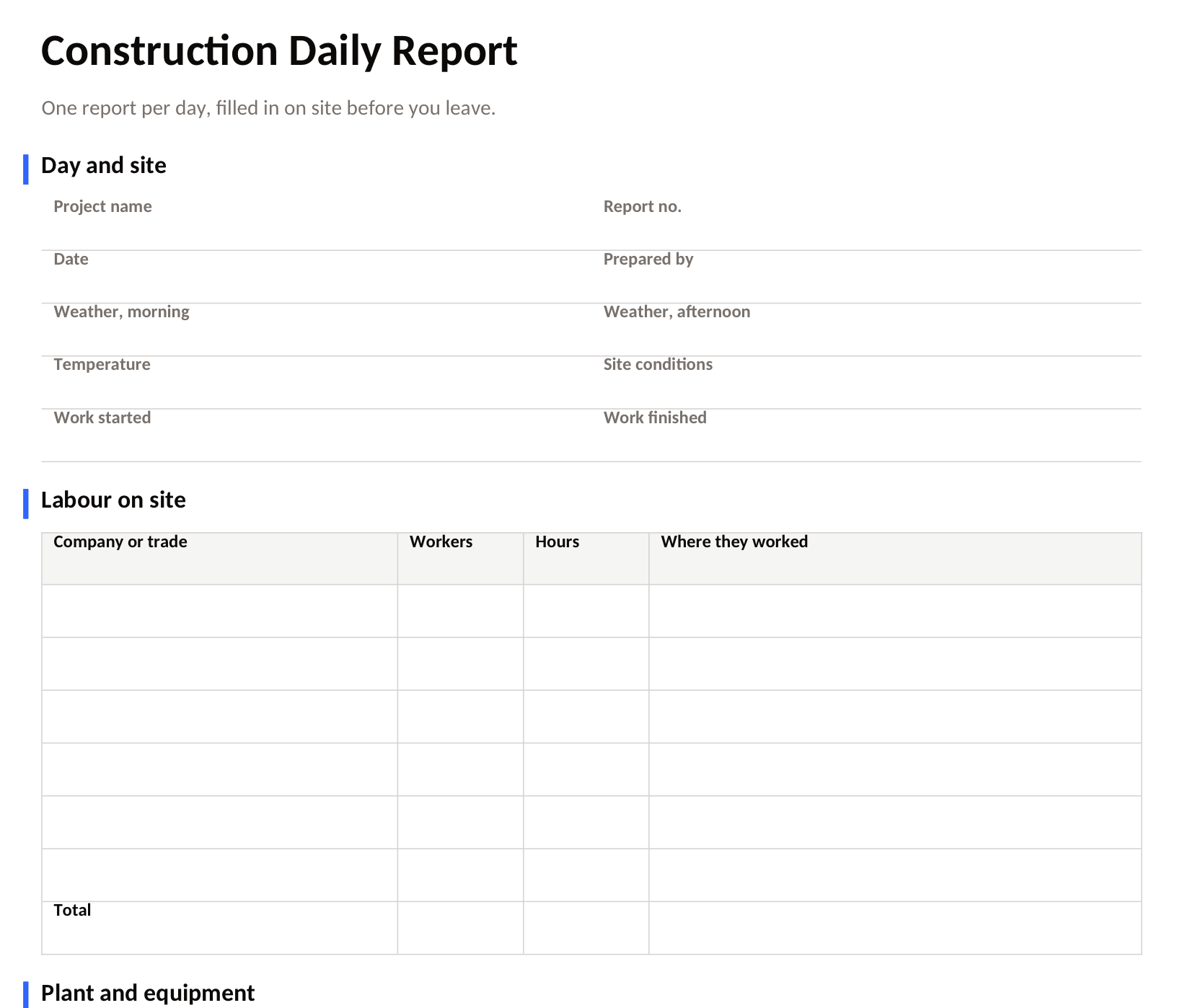
Most of the value is in writing things down when they happen, not at six in the evening.
SpatialSense turns the photo part of the daily report into a walk that is dated and pinned to the floor plan, and writes the weekly progress report from it.
Your engineer walks the site with a helmet camera and the Trace app, and every capture is pinned to the floor plan.
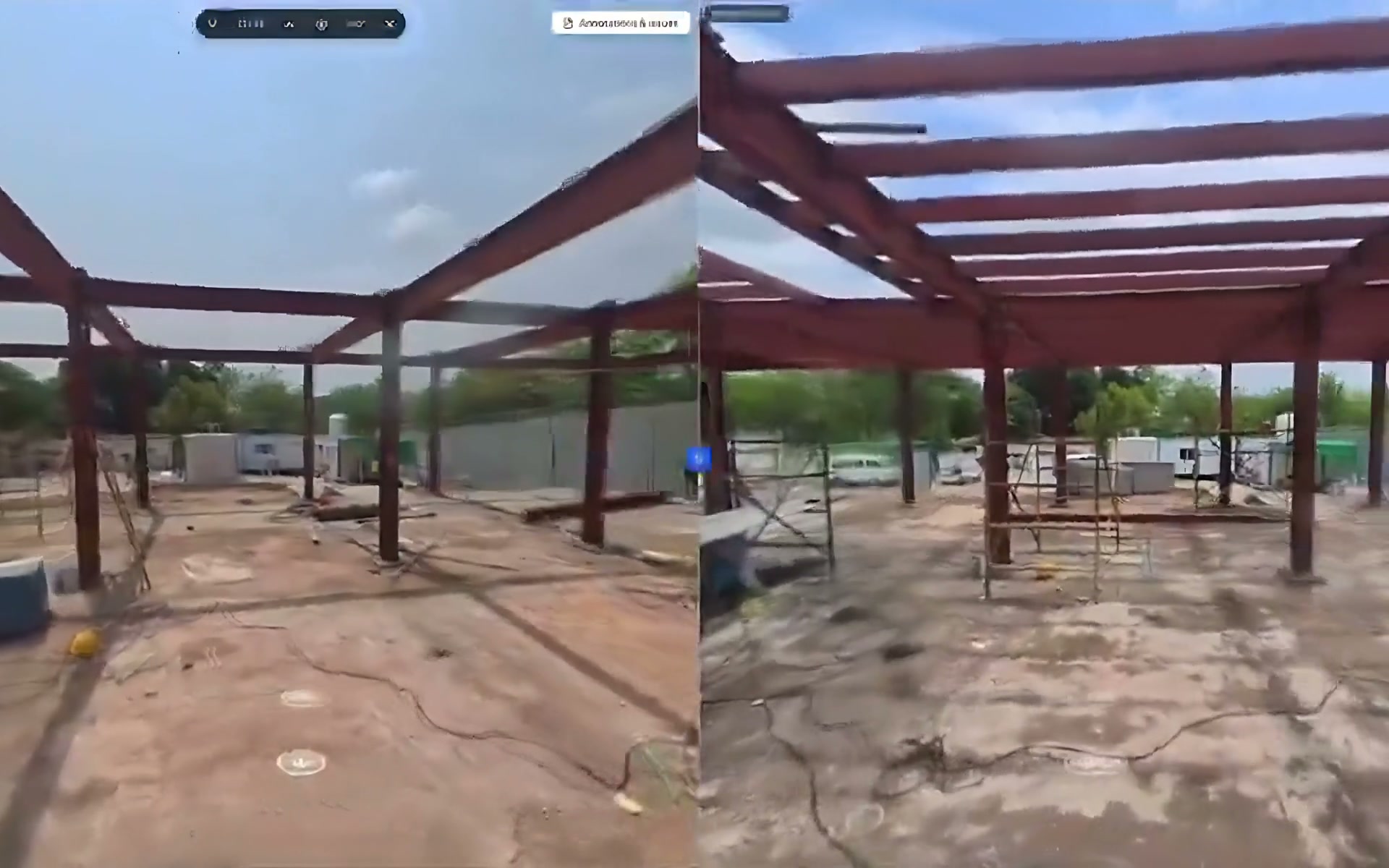
Any two walks open side by side from the same viewpoint, so the change is plain to see.

Issues are pinned where they are, with a photo, an owner and a due date, and the site team answers them from the Konnect app.
They are the same record under two names: US teams usually say daily report, and teams elsewhere often call it the site diary. Whichever you call it, keep it for every working day, because the day with no report is the one someone will ask about. For the weekly summary to the client, use the construction progress report template, which takes the same areas and photo numbers.
A construction daily report is a short record of one day on site: the weather, who was there and for how long, the plant used, the work done, deliveries, visitors, delays and any safety incidents. It is signed the same day and kept with the project records.
Yes. Enter your email and we send the daily report template and the progress report template in Excel, Word and PDF. The Excel version adds dropdowns for status and site conditions, and adds up the workers and hours for you.
At least the date, the weather, the labour and plant on site, the work done in each area, deliveries, visitors and inspections, delays with their cause and the time lost, safety incidents, instructions received, and photos.
Usually the site engineer, foreman or site manager, whoever is on site all day. The site manager signs it, and the weekly progress report to the client is written from the daily reports.
The daily report records one day on site for the project team. The progress report sums up a week or a month for the client: what changed, what comes next and what the client needs to decide.
Walk the site once, and keep the day on record with photos that are dated and pinned to the plan.