

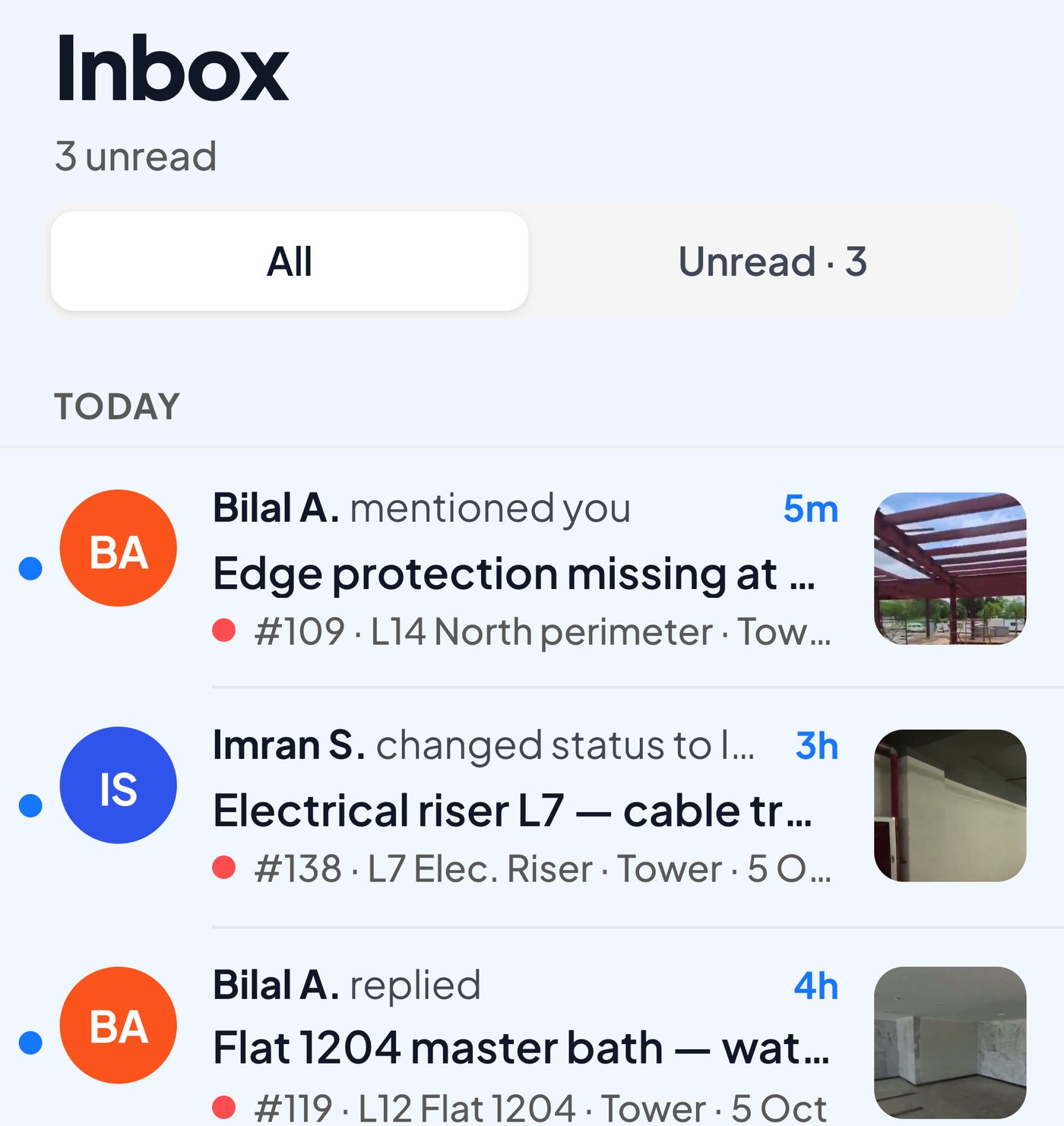
An inbox of what needs them
Konnect lists the issues assigned to them or mentioning them, newest first.
WhatsApp for construction
Yes, as the alert. Pin the issue on your site walk and SpatialSense sends it to the foreman on WhatsApp, in their own language, with the location and a link. They reply from their phone, and the answer stays on the issue.

Each foreman gets the alert in their own language.
They tap the link and answer in the Konnect app.
WhatsApp is where your foremen already are, which makes it a good alert and a poor record: photos have no location, nobody owns the fix, and a month later the message is buried. SpatialSense uses WhatsApp for the alert and keeps the record in the project. You pin the issue to the spot in the walk, the foreman gets a WhatsApp message in their language with a link, and they answer from the Konnect app on their phone.
Four steps, and the foreman only ever touches the last two.
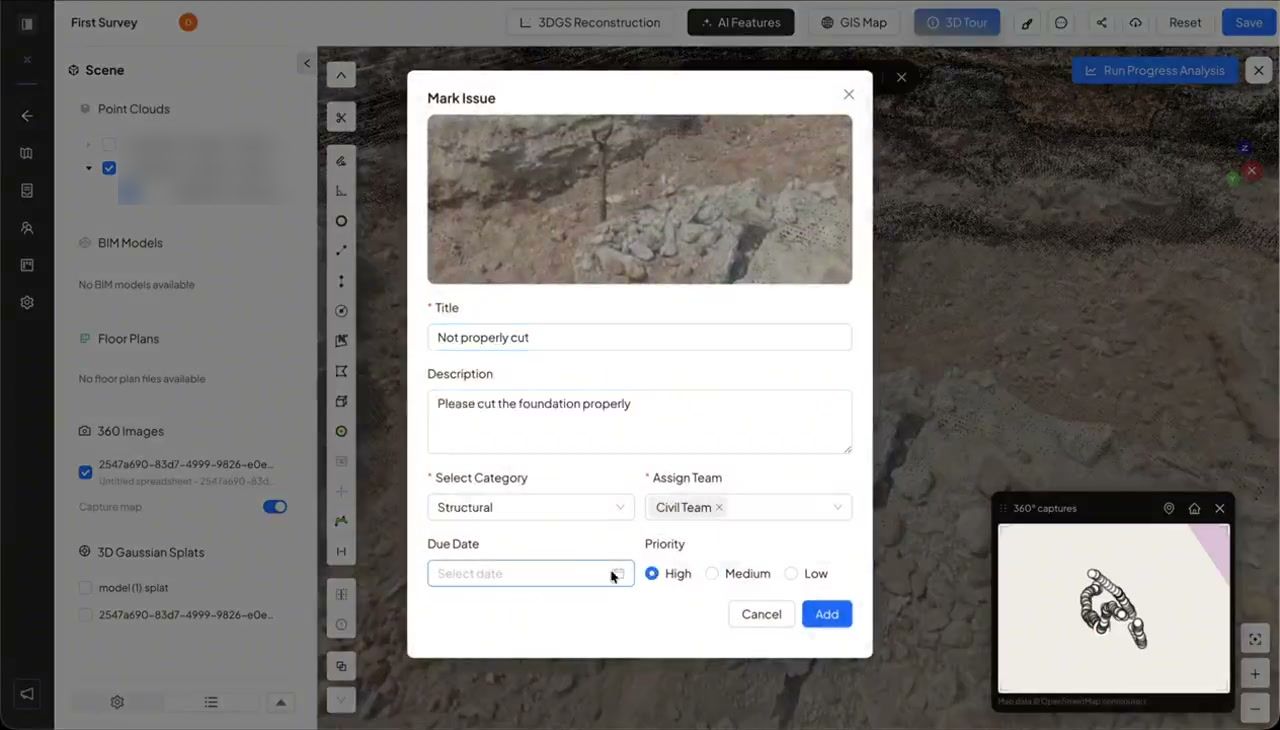
Mark the spot in the 360° walk or the scan, then set the title, the team, the priority and the due date.
The foreman gets the title, the priority and the location on the plan, with a link straight to the issue, in their own language.
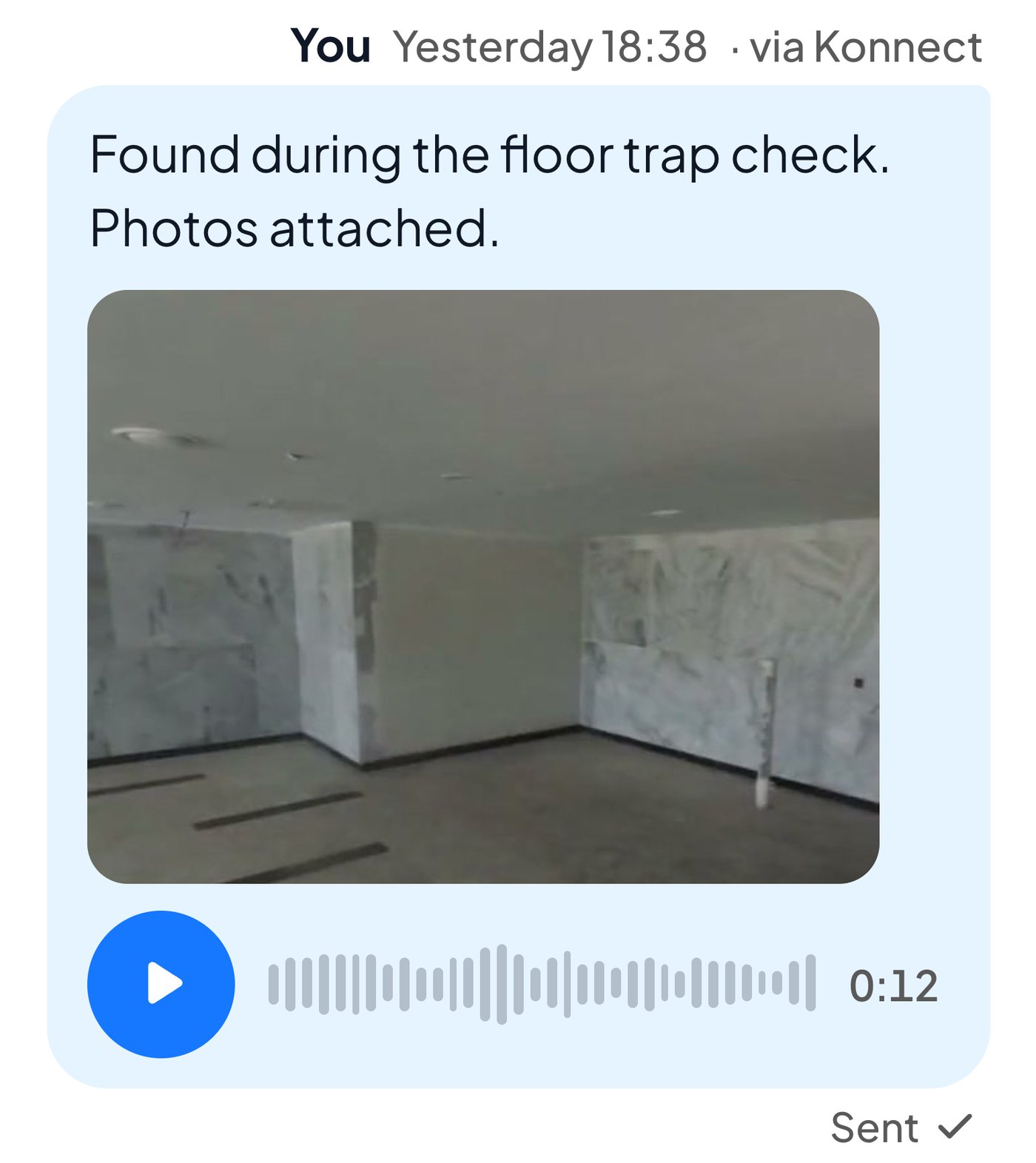
In the Konnect app they answer with text, a photo or a voice note, and the reply is attached to the issue.
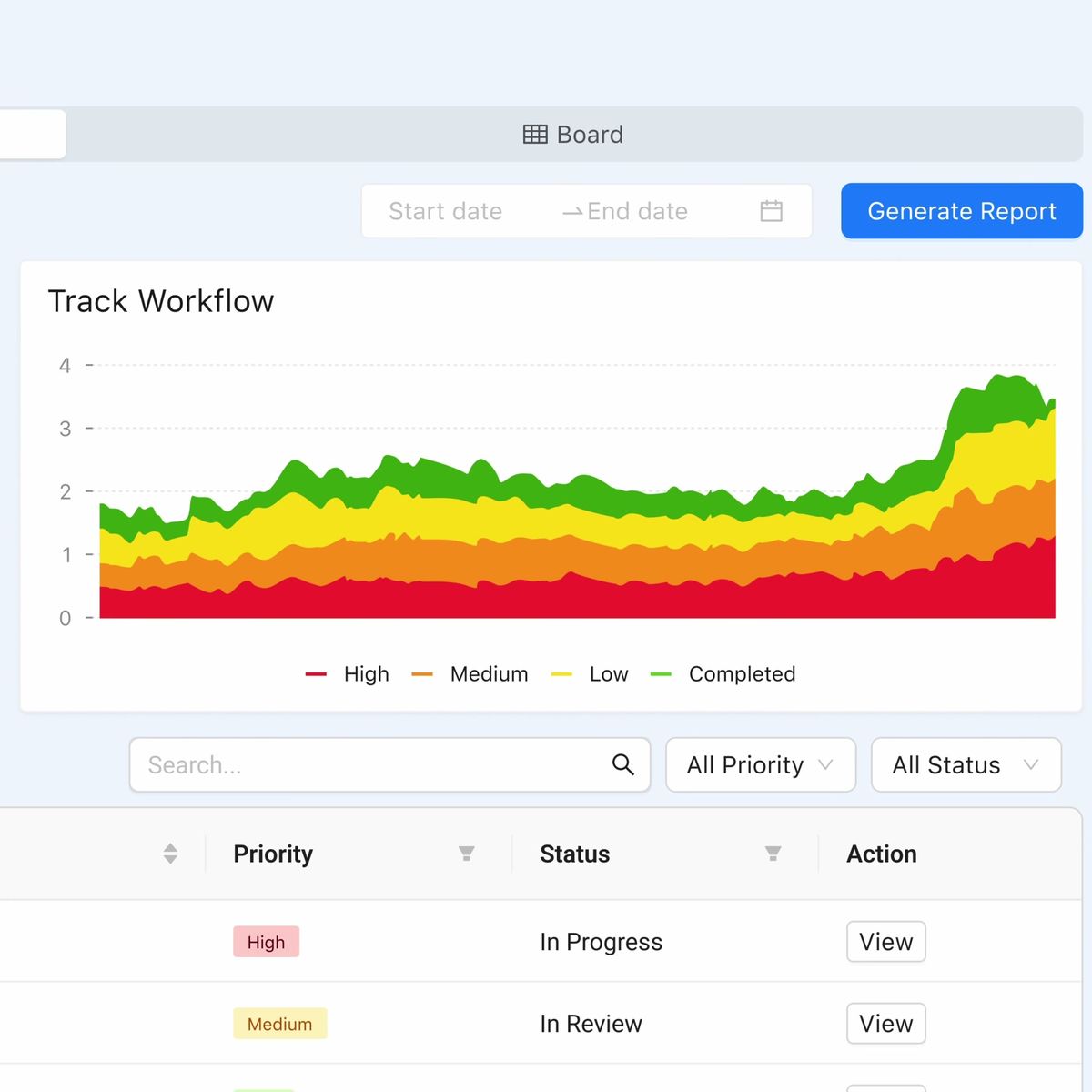
Every issue sits on the board by priority and status, and the PDF report is one click away.
WhatsApp works on site because everyone already has it, which is also why issue tracking keeps drifting back into it. Before writing this page we read how site teams in South Asia, the Gulf and Europe describe the problem, and the same three things come up.
A photo in a group chat shows the problem but not where it is on the plan, so the foreman has to call back and ask which bay.
Once the chat moves on, nobody can say who was meant to fix it or by when, and the issue comes back at handover.
Field crews stop using tools that add work for them, often within weeks of the rollout, so a tracker that relies on daily logins goes quiet.
What sticks is keeping the habit and fixing the record. The alert still arrives on WhatsApp, whereas the issue itself lives in the project, pinned to the spot, with a name and a date the whole team can see.
Konnect lists the issues assigned to them or mentioning them, newest first.
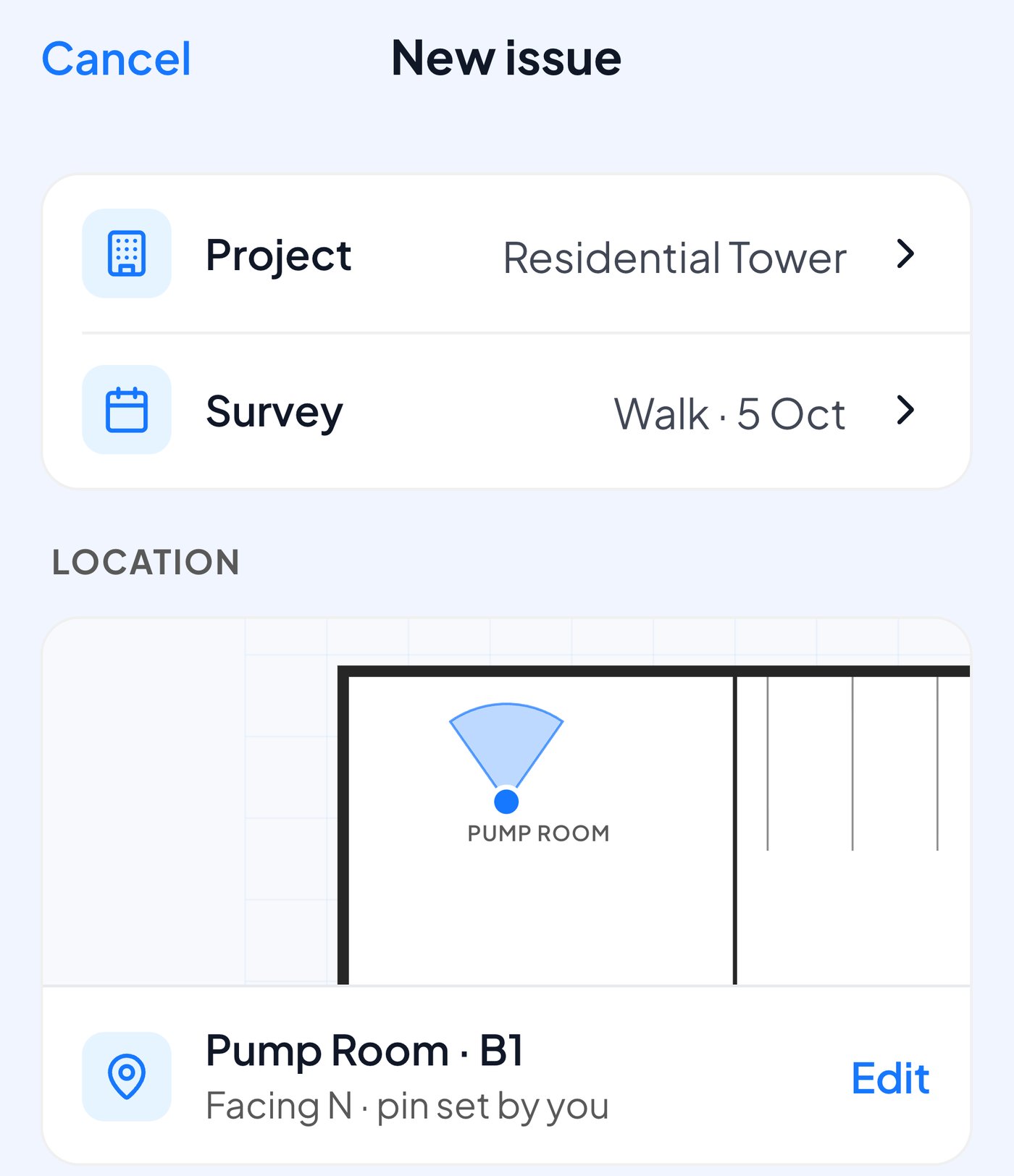
Take a photo with the phone camera, pin it on the plan and send it to the right team.
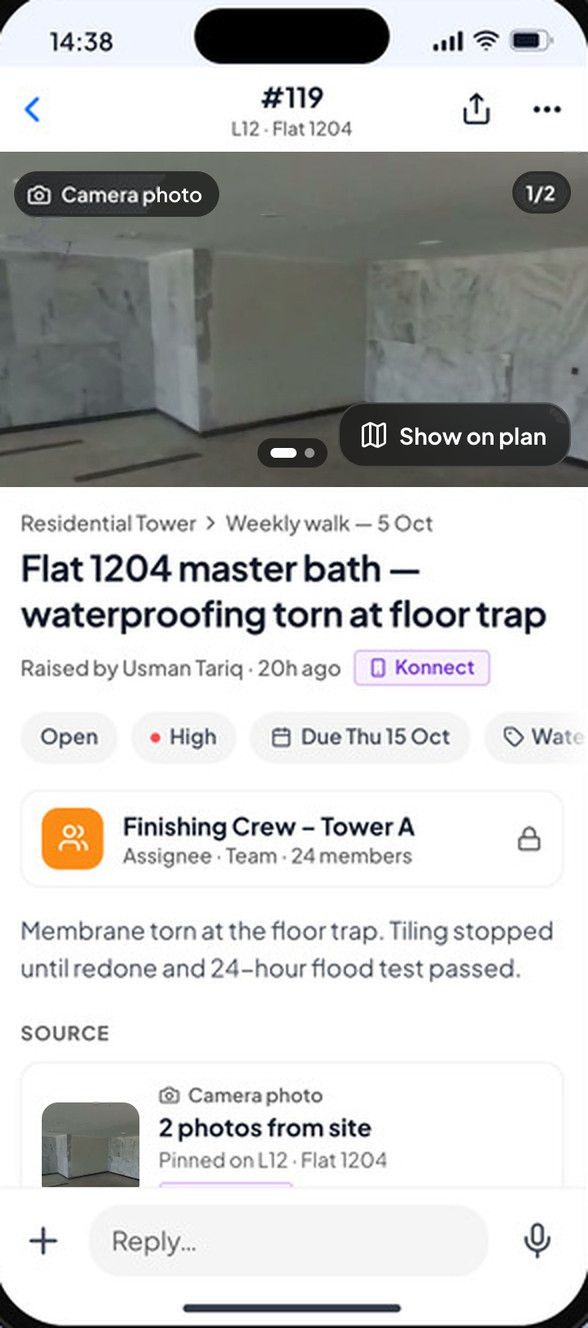
Photos, the spot on the plan, the owner, the due date and every reply, in one place.
The same issue, raised two ways.
| SpatialSense with WhatsApp alerts | A site WhatsApp group | |
|---|---|---|
| Where it is | Pinned to the spot in the 360° walk or the scan, with the floor-plan location filled in. | A photo, and maybe a typed description of the area. |
| Who owns it | An assigned team with a due date. | Whoever happens to reply. |
| How the foreman hears | A WhatsApp alert in their language, with the title, priority, location and a link. | A group message among many. |
| How they answer | Text, a photo or a voice note in the Konnect app, attached to the issue. | A reply in the chat, if anyone sees it. |
| A month later | Listed with its status and history, next to the dated walks of the area. | Buried in the chat history. |
| Languages | Interface in English, Simplified and Traditional Chinese, French and Spanish; alerts in each recipient's language. | Whatever each person types. |
It takes one walk and the phone numbers of the people who fix things.
Yes, as the alert rather than the record. When an issue is assigned in SpatialSense, the team gets a WhatsApp alert with the issue title, priority and location, plus a link straight to the issue. The issue itself lives in the project, pinned to the spot, so it is not lost in a group chat.
Each recipient gets the alert in their own language. The SpatialSense interface itself is available in English, Simplified Chinese, Traditional Chinese, French and Spanish.
From the Konnect app, the mobile version of SpatialSense. They see the issues that need them, reply with text, a photo or a voice note, and can log new issues with the phone camera.
No. Every SpatialSense plan has unlimited users, so you can add every foreman who needs to answer issues without counting seats.
SpatialSense has per-site pricing with unlimited users (current prices), a Lite Viewer that is free forever with no account needed, and a 30-day free trial of the full platform that needs no card details.
Move this week's issues out of the group chat and onto the plan. Start the 30-day trial with no card, or book a demo and we set up your first site with you.