

The floor, from their desk
They move through the walk on the date it was captured, with the floor plan beside it.
Sharing with people outside the project
You send a link. A SpatialSense share link opens the view you chose in a browser, with no login and nothing to install, and you revoke it when the person no longer needs it.
Most site-capture and scan software shows the data to people who hold a licence, and asks everyone else to install a viewer, create an account or wait for an export. SpatialSense works the other way round. Everyone on the project gets a seat, because every plan has unlimited users, and anyone outside the project gets a link that opens in a browser without a login. You decide what the link shows, and when its job is done you revoke it.
We read forum threads and reviews from surveyors, contractors and design teams before writing this page, and one complaint came up in nearly all of them. Capturing the site has become easy, whereas handing the result to the person who asked for it is still slow.
Desktop scan software shows the full 3D data to whoever owns the licence. The client gets a download and a link to a free viewer, which many never install.
Web viewers often ask outside readers to create an account before they see anything, and an owner or a foreman asked to sign up for one look usually closes the tab.
Some shared projects are deleted after a couple of weeks without a visit, and photo upload limits in project platforms leave 360° images and drone panoramas behind.
Each of those steps loses somebody, and the person lost is usually the one paying for the work or the one who has to fix it. A link that simply opens is what keeps the owner, the consultant and the subcontractor looking at the same site.
They move through the walk on the date it was captured, with the floor plan beside it.
Each stop of the walk opens as a full 360° view, so they look around as if they were standing there.
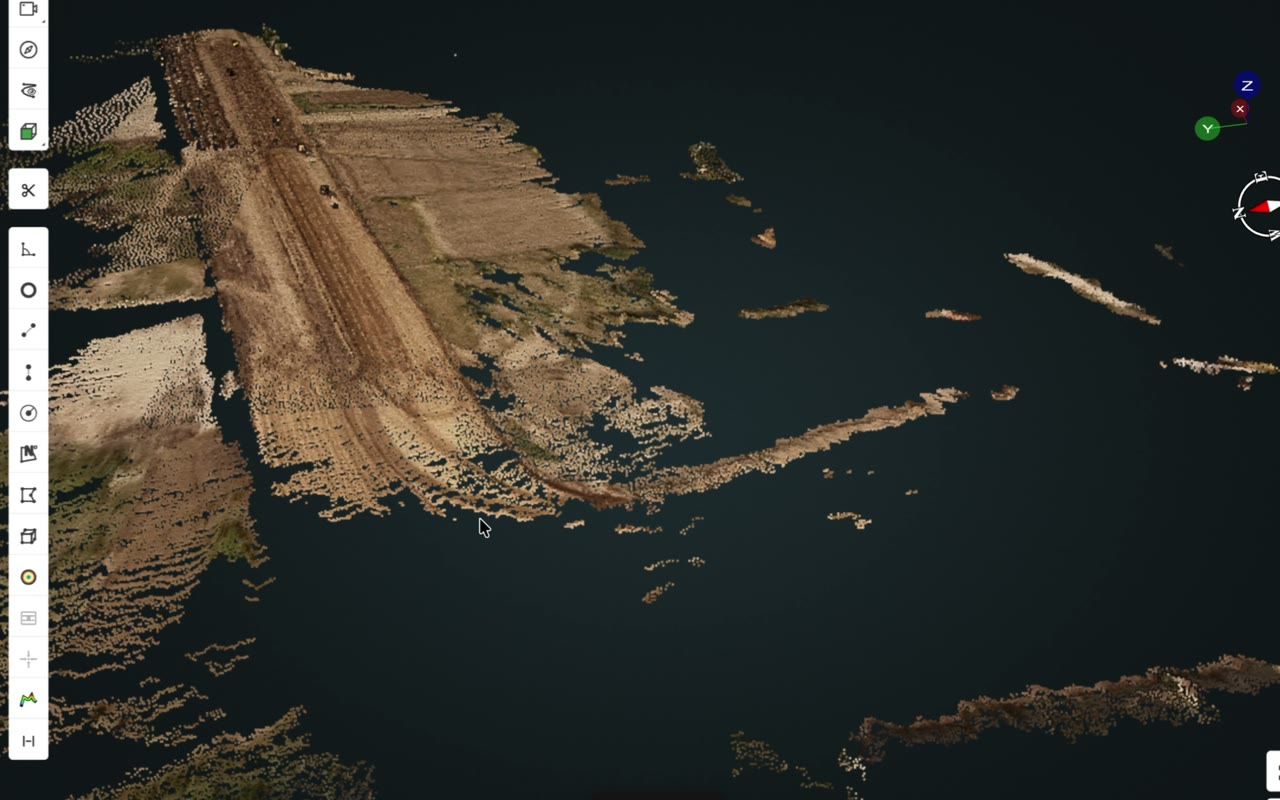
If you just want to send a file, the Lite Viewer opens LAS, LAZ, PLY, IFC, GLB and splat files free, with no account.
What changes for the person on the other end of the link.
| SpatialSense | The usual setup | |
|---|---|---|
| Account for outside readers | None. Share links open without a login. | Usually needed for each reader. |
| Software to install | None. Everything opens in a web browser. | Often a desktop viewer for scans. |
| Seats inside the project | Unlimited users on every plan. | Often priced or capped per seat. |
| What the reader sees | The view you chose: the data, the sidebar and the angle are set by you. | Often an export, a screenshot or a PDF. |
| Taking access back | Revoke the link whenever you like. | Varies, and some links lapse on their own. |
| A file you just want to open | The Lite Viewer opens LAS, LAZ, PLY, IFC, GLB and splat files free, with no account. | Usually a download and an install. |
It takes one upload and one link, and you can try it on your own site during the free trial.
Open the walk in SpatialSense, set up the view you want the client to see, click Share and send the link. It opens in their web browser without a login, so they move through the walk on the date it was captured. You can revoke the link at any time.
No. Share links open without a login and without installing anything. People who work on the project with you can have their own accounts at no extra cost per person, because every plan has unlimited users.
Yes. The free Lite Viewer opens LAS, LAZ, PLY, IFC, GLB and splat files in the browser with no account. E57 and PCD files open in the full platform, which you can share as a link in the same way.
Yes. Revoke the share link and it stops working. Inside the project, you manage who has access as people join and leave.
SpatialSense has per-site pricing with unlimited users (current prices), a Lite Viewer that is free forever with no account needed, and a 30-day free trial of the full platform that needs no card details.
Send the next site update as a link your client actually opens. Start the 30-day trial with no card, or book a demo and we set up your first site with you.