How Can I Track My Construction Project Progress in Real Time?
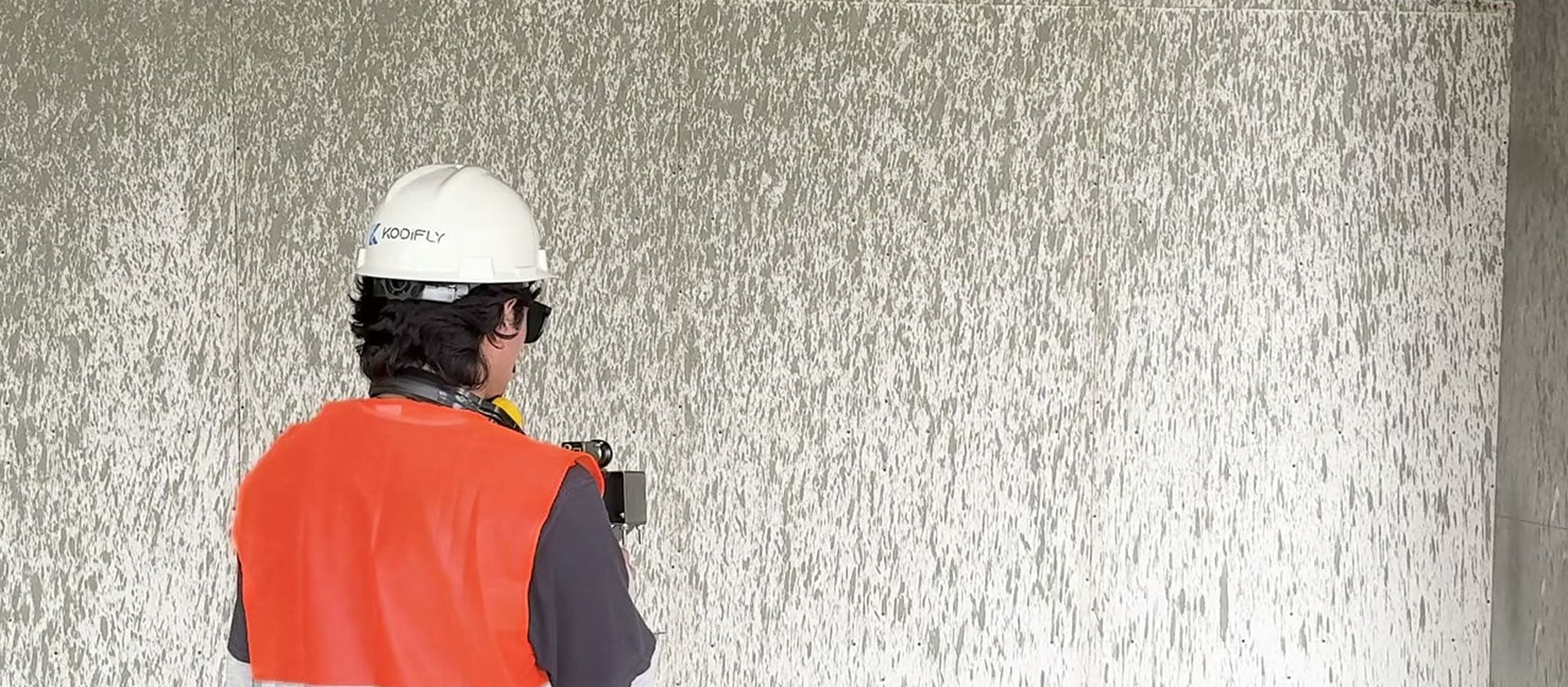
On one of our sites, our AI flagged a worker welding without eye protection, and the hazard was dealt with before he could lose an eye. Progress tracking exists for moments like that, when seeing the site from your desk means a problem gets fixed before it becomes expensive.
The short answer
To track construction progress in real time, capture the site regularly with 360° cameras, drones, LiDAR or fixed scanners. Software then compares each capture with your plans or BIM model and flags issues, and each issue goes to a named owner until it is closed. You choose how often to capture, so “real time” can mean a scan every 15–30 minutes or a walk once a week.
Why site visits and WhatsApp photos miss so much
Most progress updates we see still come from a supervisor’s report, a site visit, or photos and videos in a WhatsApp group. Each one records a single moment, so reports take hours to piece together and issues slip through the gaps. When a problem surfaces late, the fix costs more and completion slips, and that is usually when the conversation with the client gets difficult.
A photograph proves something happened, but it can’t show where on the plan, how much was done, or which drawing revision the work followed. Pours, lifts and backfills also happen between visits, and once that work is covered, nobody can check it without opening it up again. In our experience, teams underestimate how much they gain from catching problems early.
What “real time” actually means
How early you catch a problem depends on how often you capture the site, so our clients choose a cadence that fits the decisions they need to make.
Walks and drone flights take up to about four hours to process, depending on their length, and the AI analysis then takes two to ten minutes. That means results from a morning walk are ready the same day. On a public-works site in Hong Kong, fixed scan stations have produced a point cloud every 15–30 minutes since June 2024. At the other end of the range, the chief architect on an embassy build in Islamabad reviews progress every week from Europe without flying in.
How to set it up
- Start with the question you need answered, because progress, quality against the design, safety and earthworks each need a different kind of capture.
- Choose hardware to match, using a 360° camera, drone or scanner you already own, or kit you buy from us.
- Upload your floor plans so every capture is mapped to the plan and you can compare any two dates side by side. BIM deviation detection also needs your BIM model, which we work from but don’t create.
- Capture with Trace, the app your site team uses. Name the walk, upload the floor plan and connect the 360° camera, then record a continuous walkthrough in Video Mode or pin photos to points on the plan in Capture Mode. With no signal on site, Trace records the walk without a project, and you assign it to a survey once you are back online. Uploaded walks open in a browser with your path drawn on the plan, while fixed ScanStations stream their scans in automatically and drone footage uploads directly.
- Review what the AI proposes. It runs across the walk’s 360° images and suggests issues, and your team confirms or dismisses each one, so nothing is raised without a person approving it. Each confirmed issue gets a title, priority and due date and goes to a team, which receives a WhatsApp alert with the issue’s title, priority and location and a direct link to it. The board then tracks every issue from To Do through to Completed.
Setup is light enough that one of your sites can be onboarded within a week.
Which data gives you which insight
| What you want to track | Point cloud (LiDAR) | 360° images | Live stream |
|---|---|---|---|
| What’s built vs. the BIM model | Yes | No | No |
| Excavation volume vs. target | Yes | No | No |
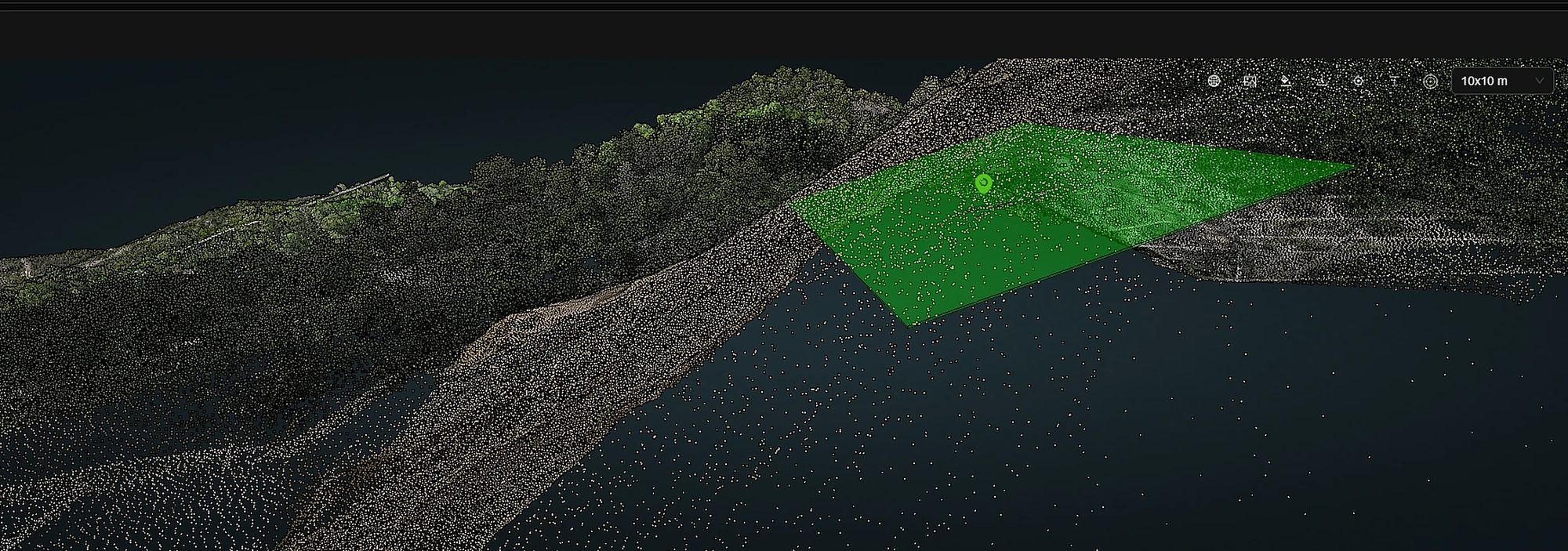
| Slope and safe build zones | Yes | No | No |
| Soil nails | No | Yes | No |
| Safety: PPE, unprotected edges, exposed wires, danger-zone entry | No | Yes | No |
| Welding activity and progress | No | Yes | Yes |
This split matters when you plan capture, because a 360° walk covers progress, safety and soil nails, while BIM checks, excavated volume and slopes need a LiDAR point cloud. BIM deviation detection doesn’t work on 360° images, although you can still compare a walk with the BIM model by eye.
On earthworks, the point cloud measures excavated volume against your target to give percent complete, and it checks the slope at each location to show where building is safe. On 360° footage, the AI picks up missing helmets and vests, unprotected edges, exposed wires and people entering marked danger zones. It also finds welding work, which shows how far the welding has progressed and whether it is being done safely.
Tracking progress on MENA projects
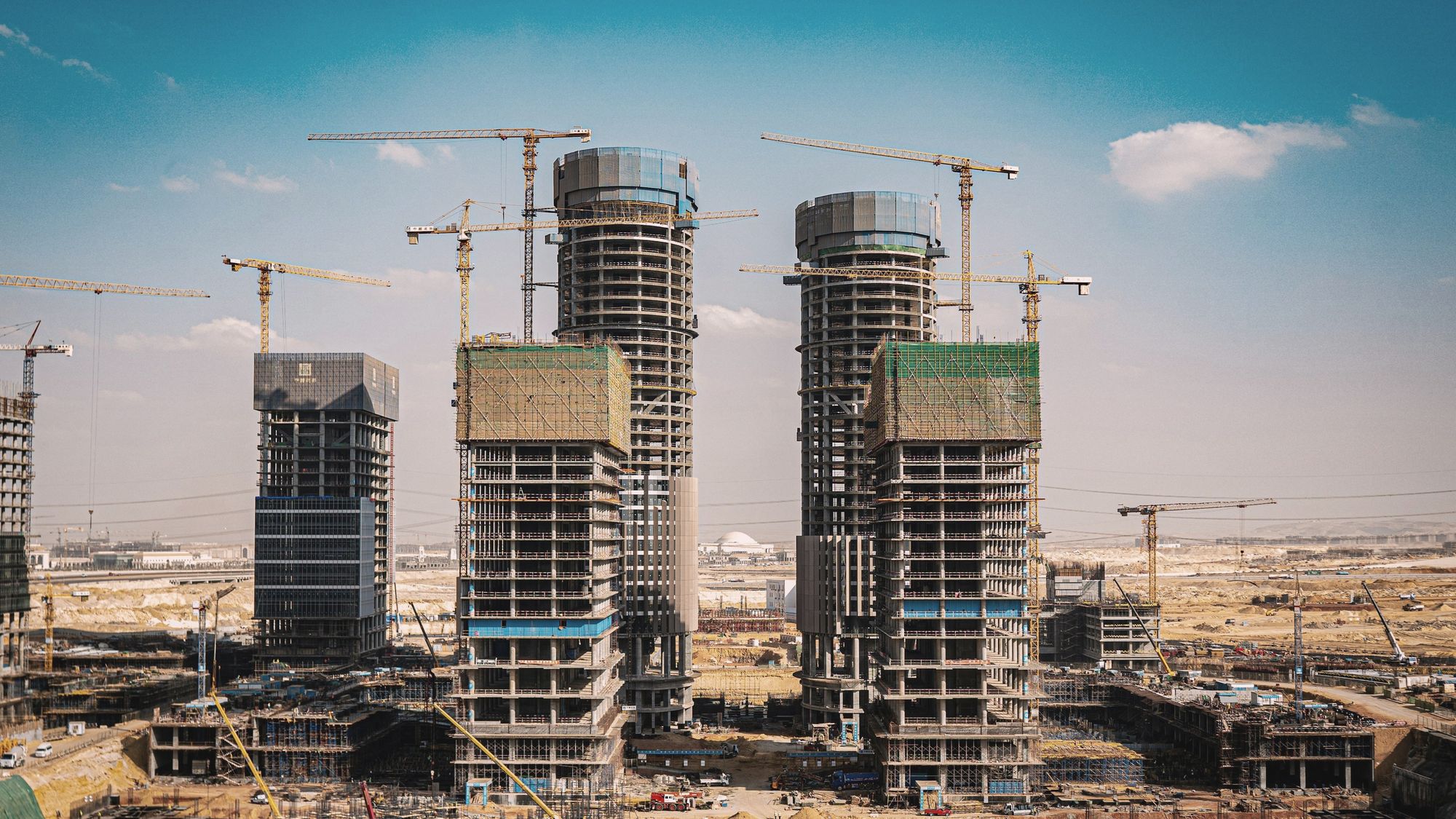
Remote tracking pays off most on large sites, and on projects where the people who sign off work in another city or country. We have active projects and an office in Saudi Arabia with Arabic-language support, and issue alerts arrive on WhatsApp.
In Saudi Arabia, our current work is road scanning for a government road authority. A vehicle-mounted LiDAR captures the road, or a 360° camera if the client prefers. Each pothole is then measured for depth and width, rated for severity and given a repair cost, and together those costs make up the repair budget. For one client who captured the data themselves, we analysed around 300 km of road data. The data can be hosted on a dedicated instance in the Kingdom or on the client’s own servers, and the client owns it either way.
Before you choose a tool
Before comparing tools, put a number on one problem that was found late, in money or days of delay, because that is what early detection is worth to you. Then check that the tool carries each issue from capture to closure in one place, so nothing gets lost moving between apps. It also helps to decide early who will capture the site and who will close the issues. Our own pricing is built around what each project needs, so you don’t pay for anything you won’t use.
“We’re here to make life easier for project teams and to solve a problem a lot of them share.”
Capture. Understand. Take Action.
Bring one of your sites to the demo
In 30 minutes we show you SpatialSense on live data from deployments already running, then talk through how it would work on yours. Pick one of your sites and you can be looking at it in your browser within a week.
FAQ
Can I track construction progress without visiting the site?
Yes. Capture the site regularly with 360° cameras, drones or fixed scanners, and you can review it against your plans from anywhere. The client’s architect on our Islamabad embassy project signs off progress that way from Europe.
Should I use 360° photos or LiDAR?
It depends on the question. 360° captures cover visual progress, safety and site history, whereas measured checks such as BIM deviation, excavation volume and slope need a LiDAR point cloud.
Do I need a BIM model?
Not to get started, because floor plans are enough to map captures and compare dates. Automated BIM deviation detection does need your BIM model and a point cloud.