How Do You Measure Excavation Volume and Slope Safety From a Scan?
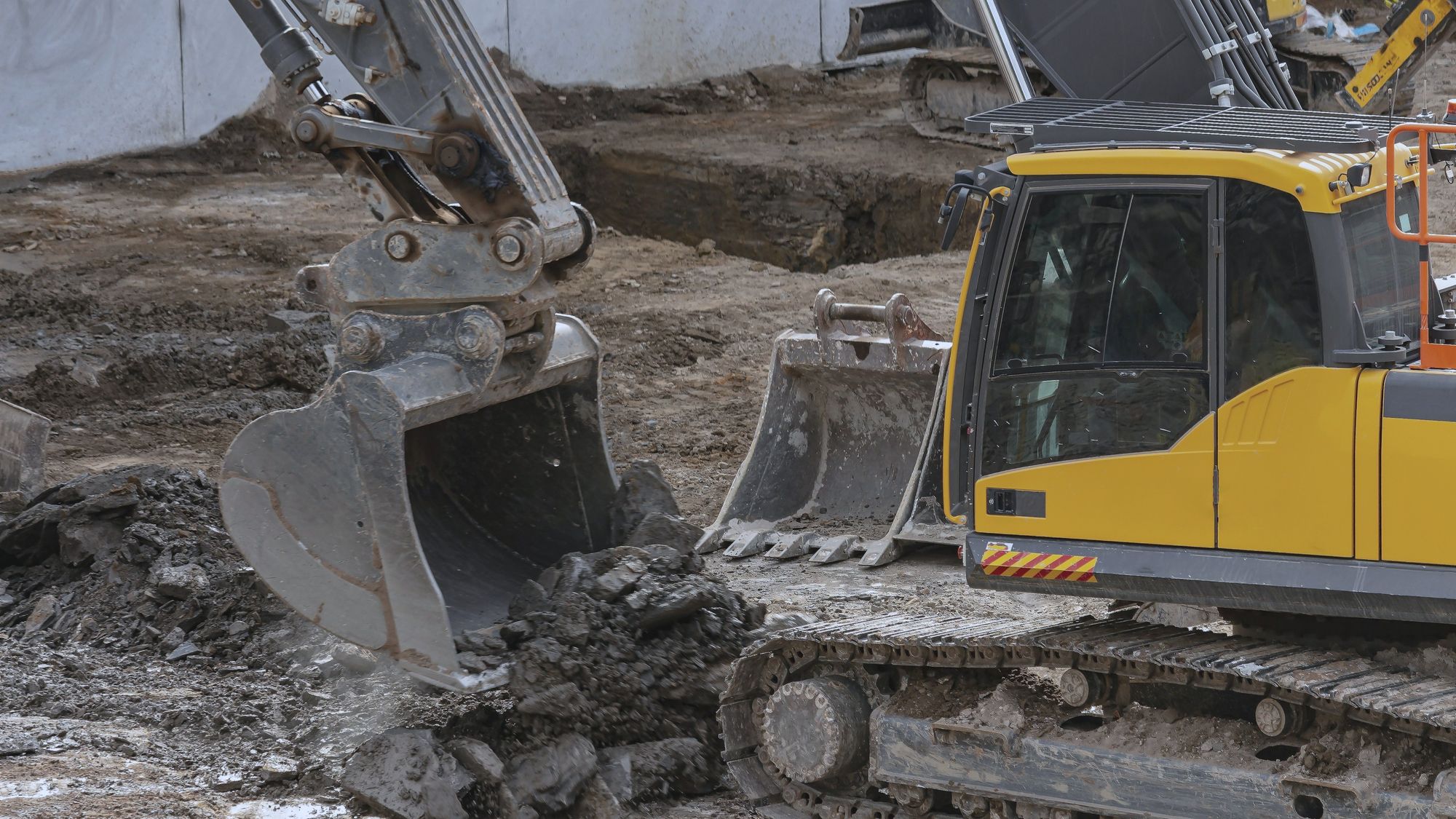

On an excavation, the two questions everyone asks are how much has been dug and whether the slope is safe, and both usually get answered with someone’s estimate. A point cloud measures them from the same scan, and it leaves a record you can open again when the volume is invoiced or the slope is questioned.
How is excavation volume measured from a scan?
Capture the dig as a point cloud, either from a fixed ScanStation or as a scan from any vendor, and SpatialSense measures the volume excavated against the target volume. That gives you the percent complete and exactly how much is left to dig, which is also the figure your payment claim rests on.
How do you check slope safety?
The same point cloud gives you the slope gradient at each location. SpatialSense highlights the zones where it is safe to build, 10 by 10 metres by default, and you can change the zone size from a dropdown to match what you are placing. This only works on point clouds, because a photo can’t give you an angle.
Where do 360° walks come in?
On slope work, a 360° walk picks up what a point cloud isn’t built to read. AI Analyze finds the soil nails in each image, and the same walk flags workers without helmets or vests and anyone walking into a zone marked as dangerous.
To see volume and slope checks on a live excavation, book a 30-minute demo.
How often should you scan?
As often as the dig changes enough to matter to you. A fixed ScanStation takes a full point cloud every 15–30 minutes, which also keeps a record of backfills that are covered the same day.
FAQ
Can I measure volume from 360° photos?
No. 360° images can’t measure, so volume and slope both need a point cloud.
Can I use scans I already have?
Yes. SpatialSense takes point clouds from any scan vendor and streams them in the browser, and our free Lite Viewer opens LAS and LAZ files with no login.
Measure your next dig instead of estimating it
Book a 30-minute demo and we’ll run volume and slope checks on live data, or open a scan you already have in our free Lite Viewer.